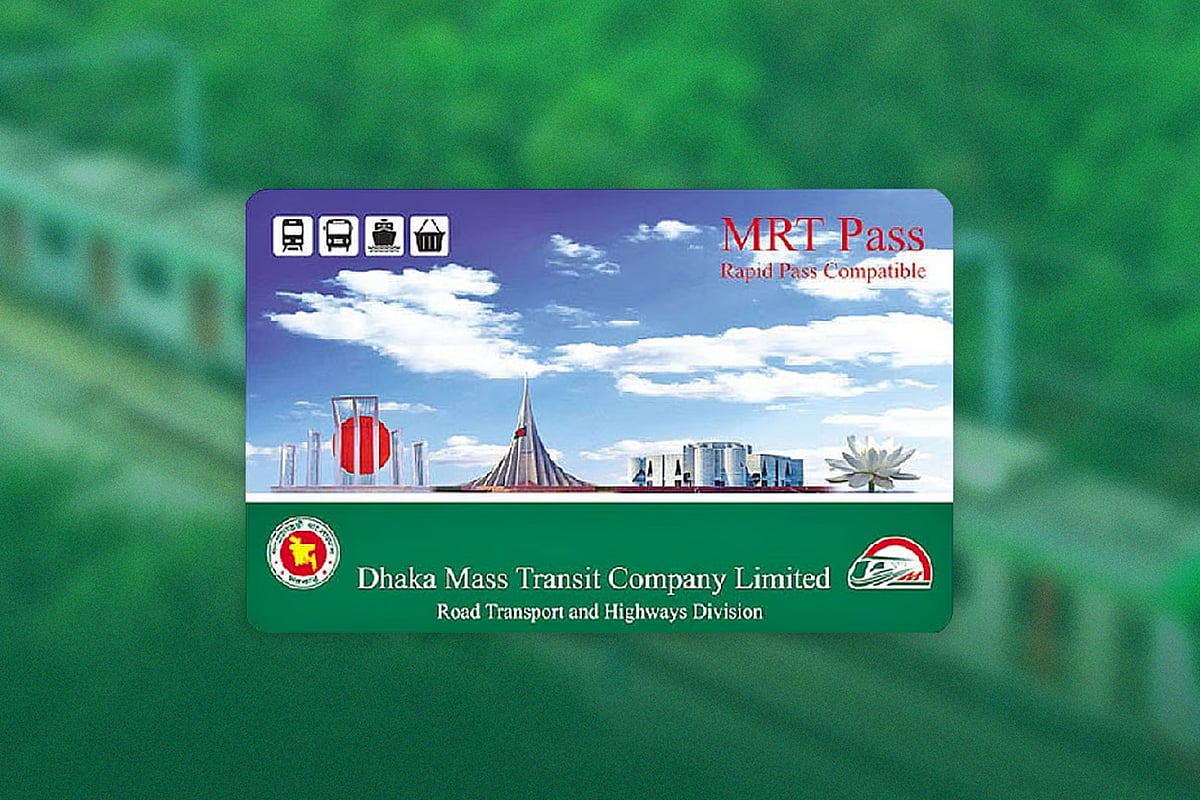
The Dhaka Metro Rail has made daily life significantly easier for city residents. Regular commuters on this mass transit system usually carry permanent cards (Rapid Pass and MRT Pass cards).
Previously, these cards could only be recharged at designated counters at metro stations, where passengers often had to endure long queues and considerable waiting times.
However, such inconvenience is now a thing of the past. In line with the digital era, permanent metro rail cards no longer need to be recharged by standing in queues at stations.
Since 25 November, the facility to recharge permanent cards through credit cards, bKash, Nagad, Rocket and other forms of online banking has been introduced.
How to recharge using bkash
To begin, open the bKash app and select Metro Rail from the suggestion section. This will automatically redirect you to the website www.rapidpass.com.bd on your mobile screen. From there, click on the Registration option to create a new account.
Enter all the required information and submit it using the OTP (One-Time Password). The registration process takes no more than one to two minutes.
Once registration is complete, future access will only require signing in with your mobile number or email address and password.
Next, select the recharge option and choose either the Rapid Pass or MRT Pass card. Enter the desired recharge amount and select the Pay with bKash button.
After entering and confirming your bKash number, provide the verification code, followed by your confidential PIN. This completes the initial recharge process. You will then receive an SMS confirming the recharge amount.
Recharge limits
Rapid Pass and MRT Pass cards can be recharged online with a minimum amount of TK 100 and a maximum of Tk 5,000. Passengers who recharge their metro rail cards using the bKash app may receive cashback of up to Tk 100.
Nagad, Rocket and credit cards
According to the metro rail authority, in addition to bKash, Rapid Pass and MRT Pass cards can also be recharged using Nagad, Rocket, credit cards and other online banking services.
To do so, users simply need to visit www.rapidpass.com.bd from a mobile device or desktop computer and follow the provided instructions.
After completing an online recharge, the transaction will remain in a pending status until the card is tapped on an AVM machine.
Only one pending online recharge can exist at any given time; a new recharge cannot be initiated until the previous one has been completed.
Recharges will not be permitted if the card is blacklisted, refunded or invalid. Users can view their recharge history through the application or the web portal.
If desired, users may request cancellation of a recharge within seven days, provided the card has not yet been tapped on an AVM machine. A service charge of 5 per cent will be deducted in such cases.
Customers may also request a refund for pending transactions caused by blacklist-related issues, subject to the same 5 per cent service charge. However, the authorities have stated that refund services are currently suspended.